Your forms are failing
You just don't know it
Your analytics show traffic. Your ad platform shows spend. But behind the scenes, your forms are silently rejecting real users. Run automated form testing with Simola and protect every form submission.
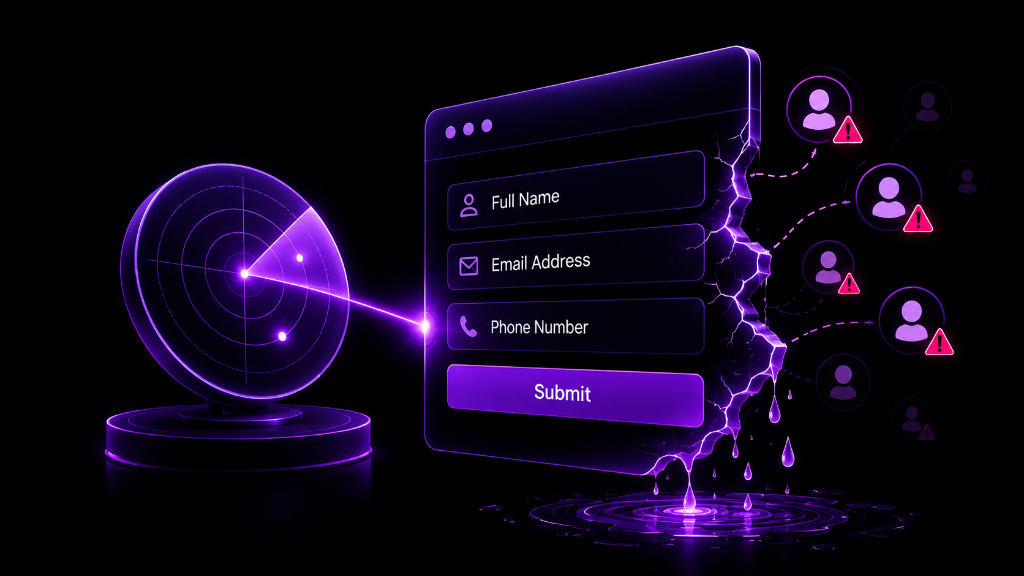
You are paying for clicks that silently fail.
Your forms may work perfectly on your device, but that doesn't mean they work for every visitor.
Common Failure Reasons

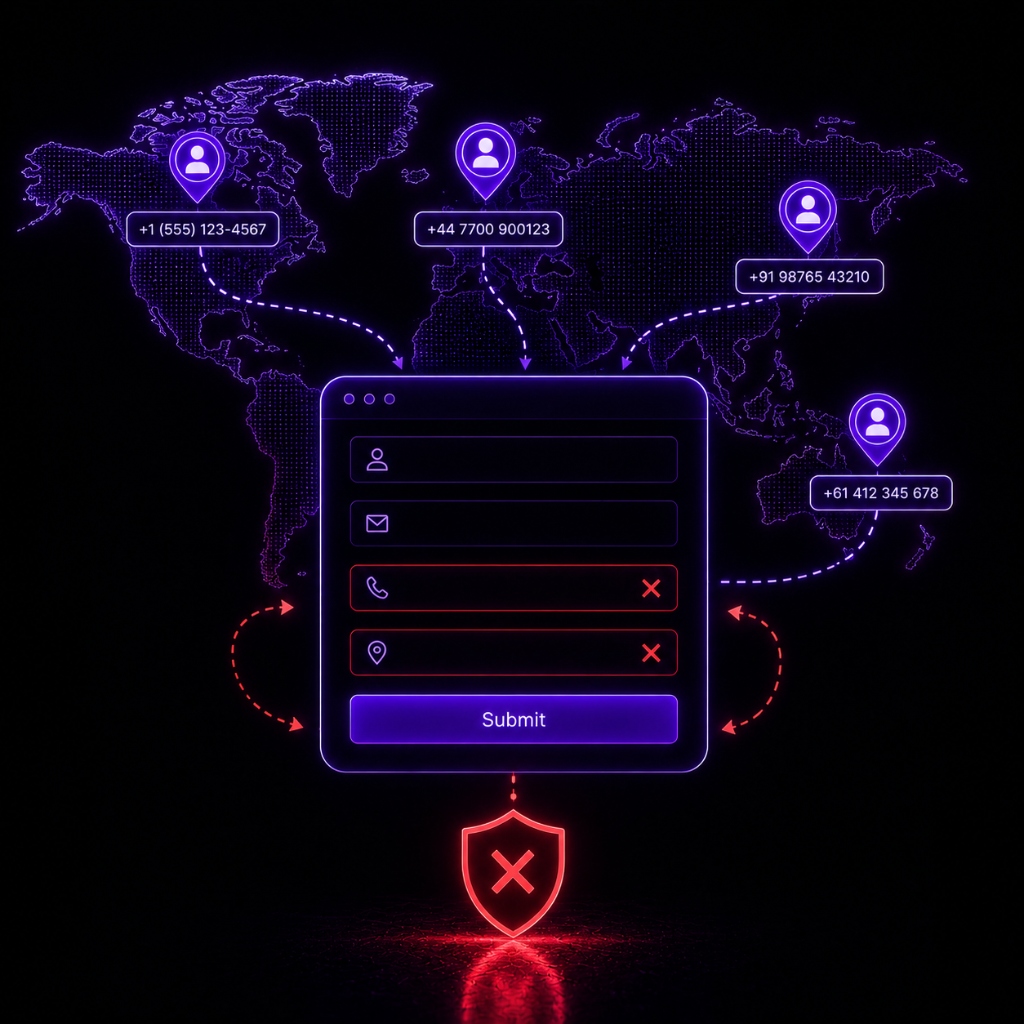
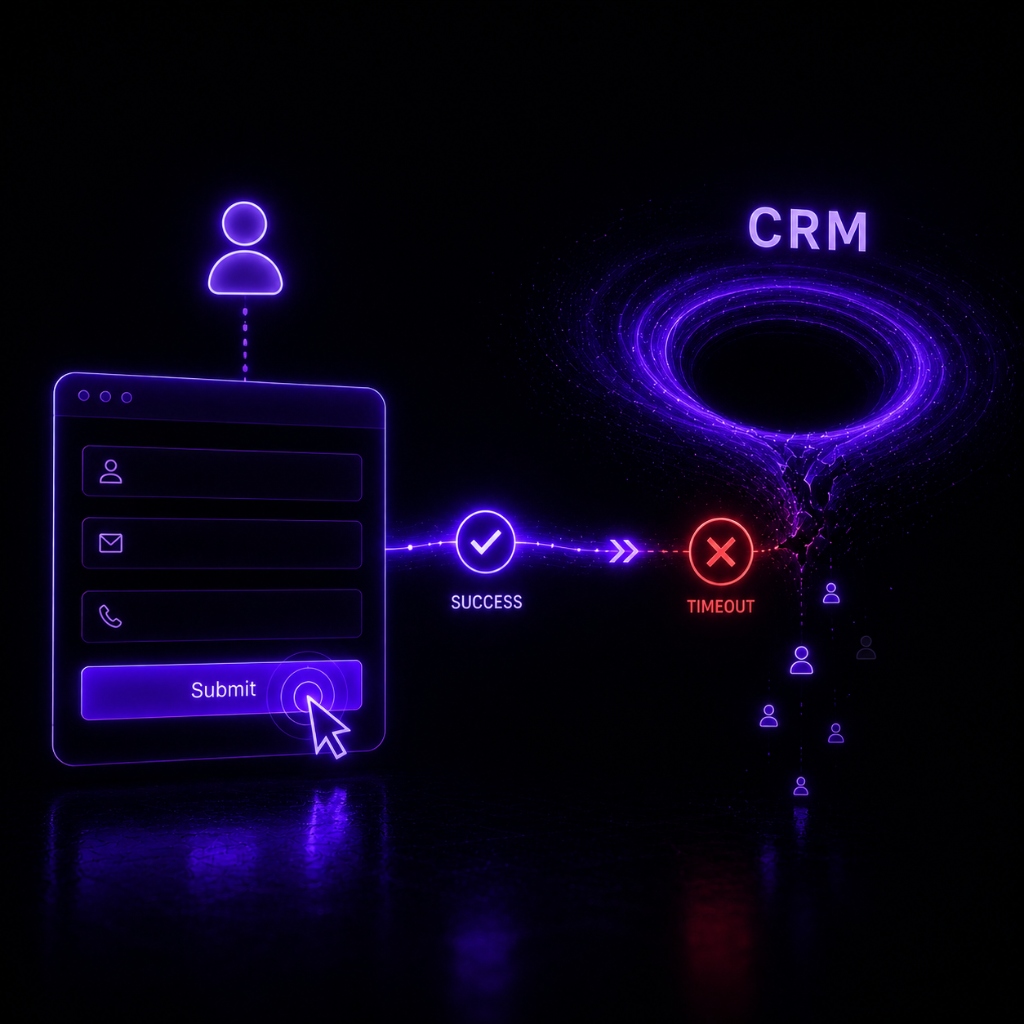
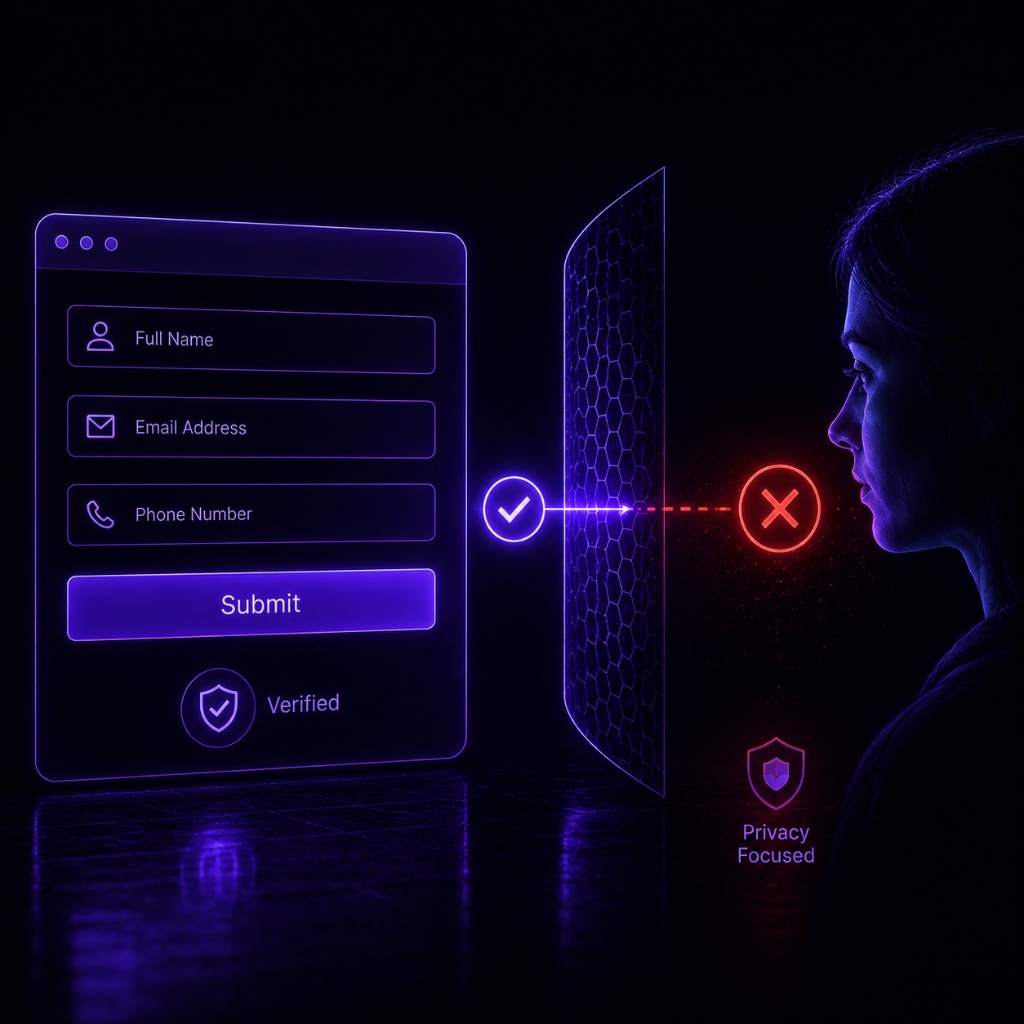
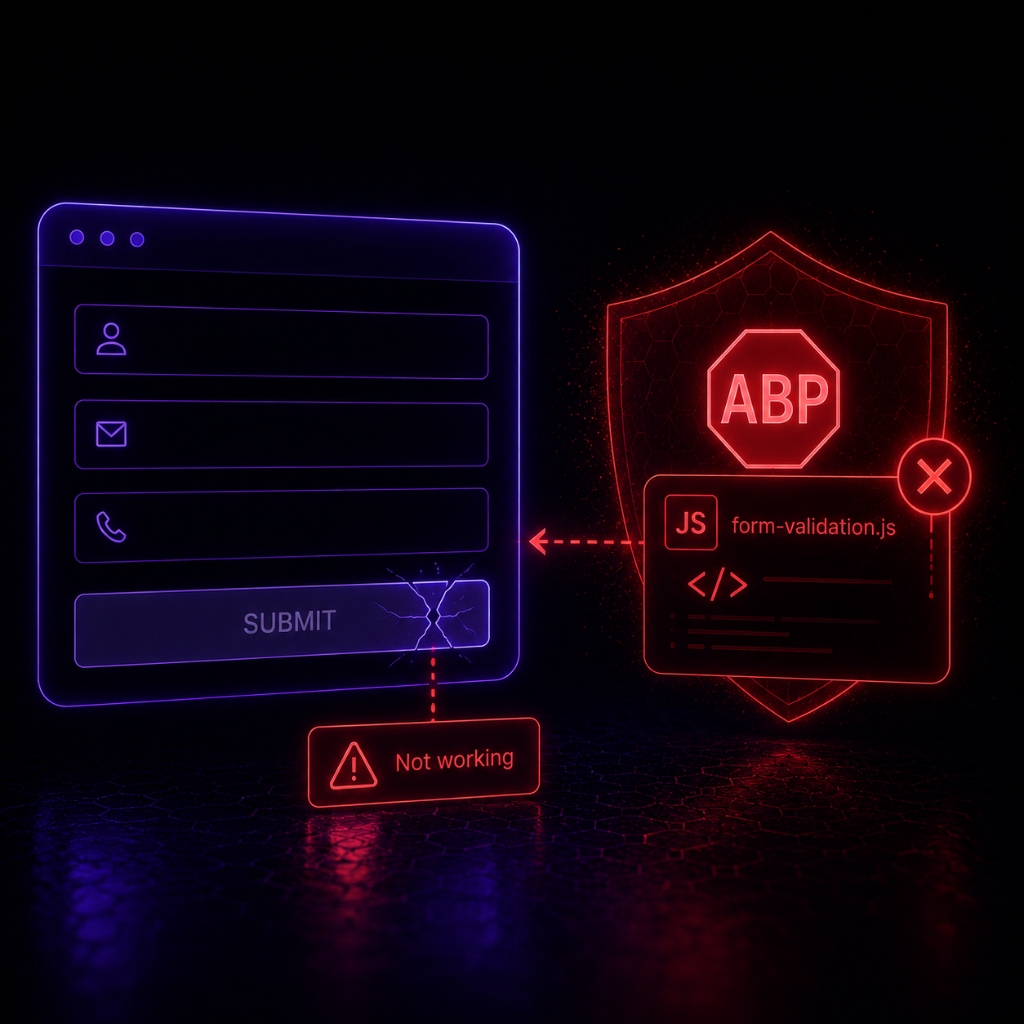
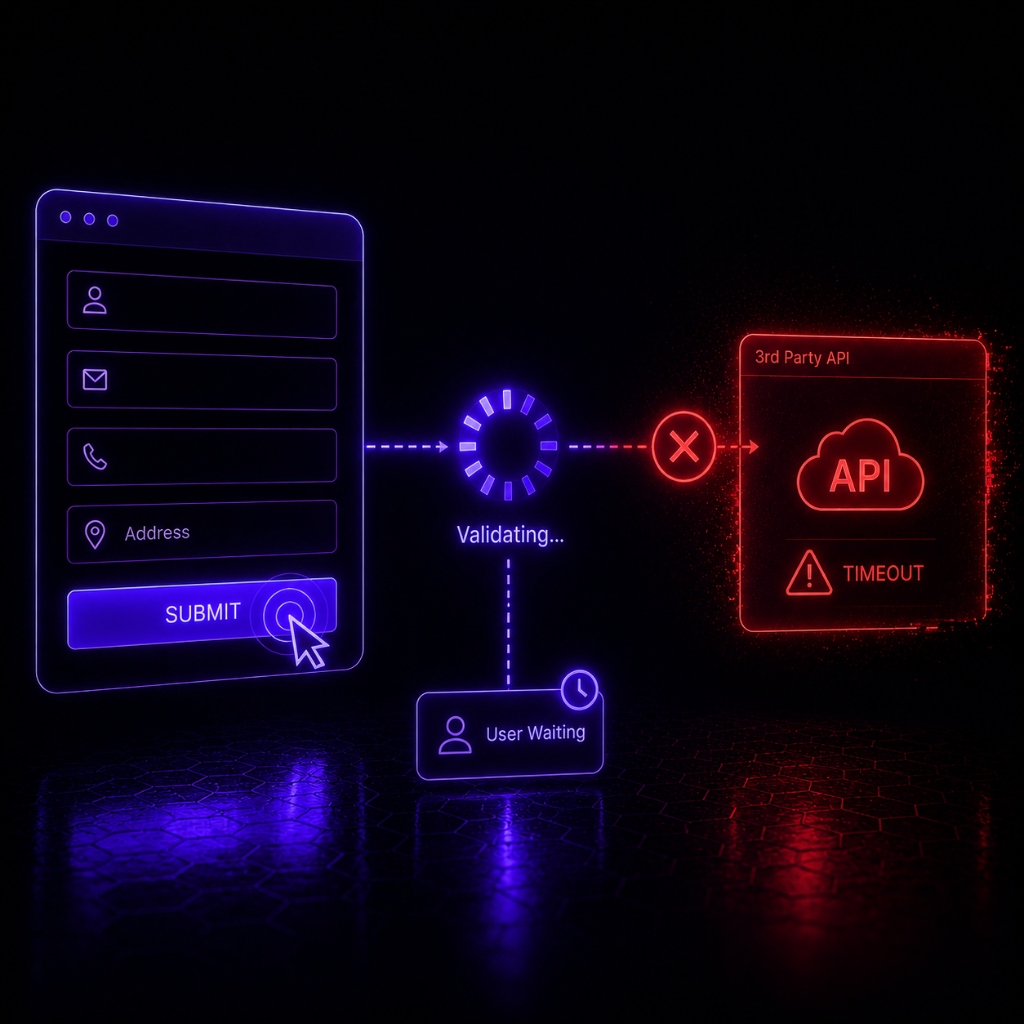
Test your forms before taking them to the real users
Stop waiting for customers to complain. Simola proactively subjects your funnels to the harshest real-world conditions, ensuring they never break when it matters.

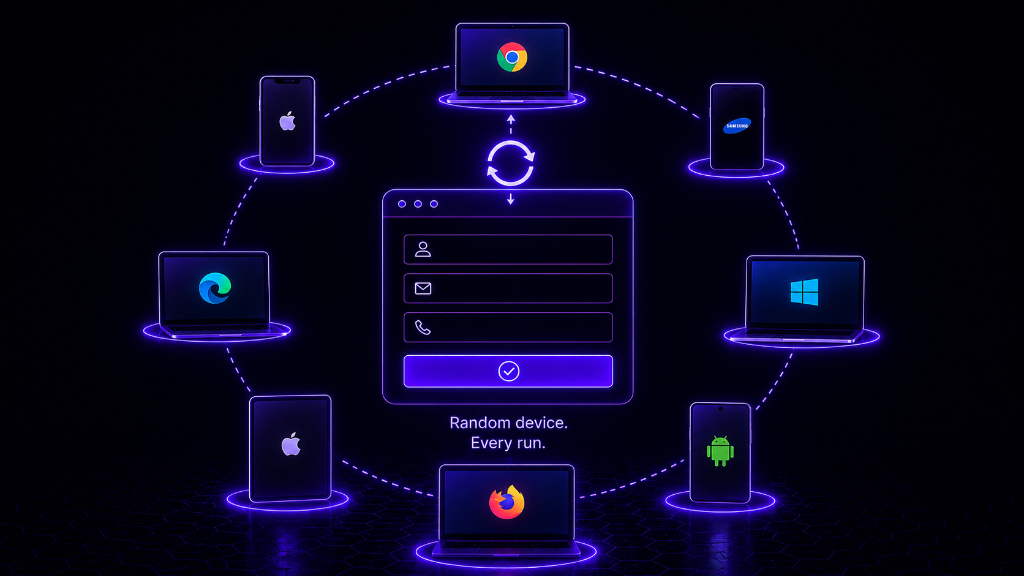

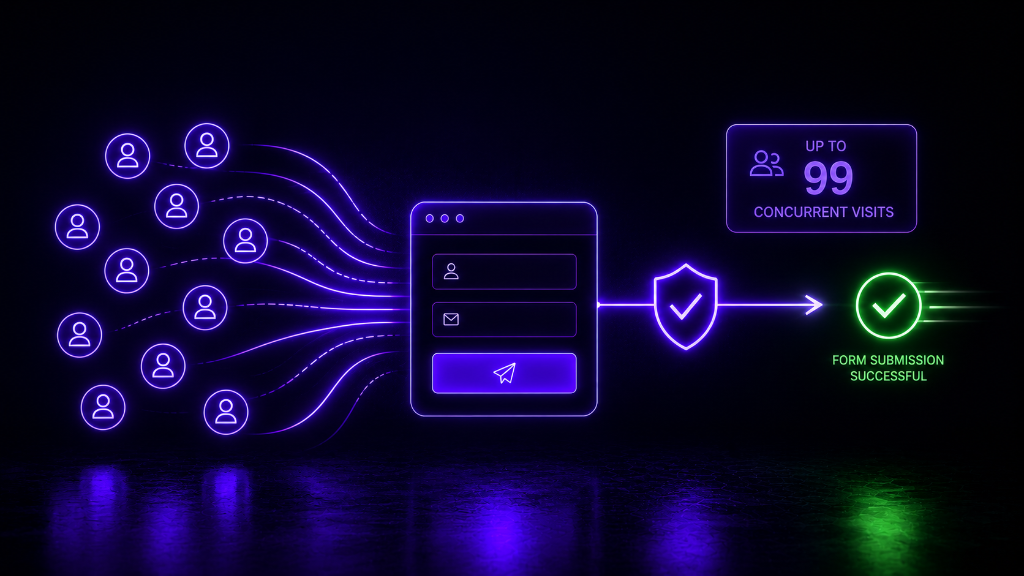
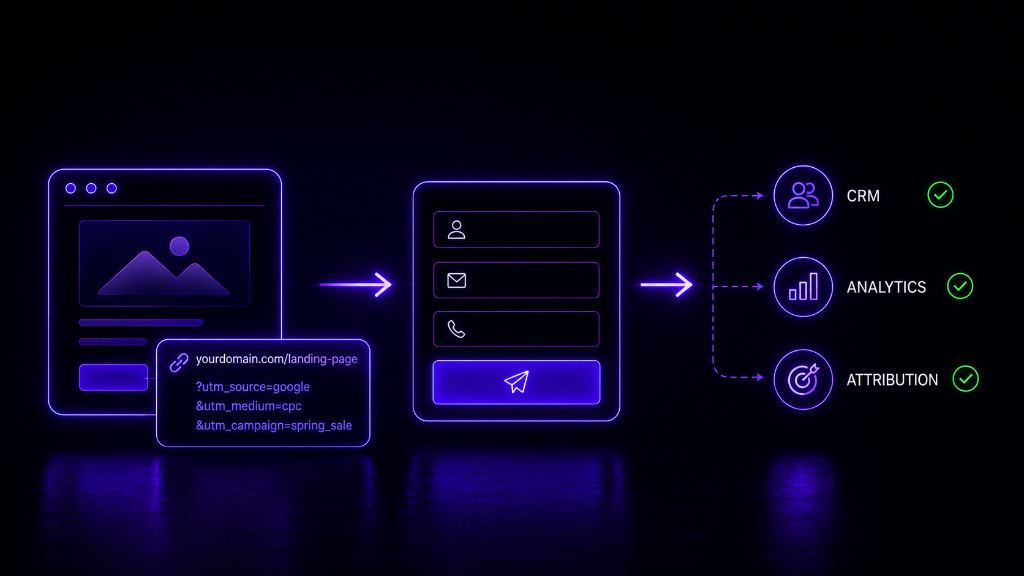
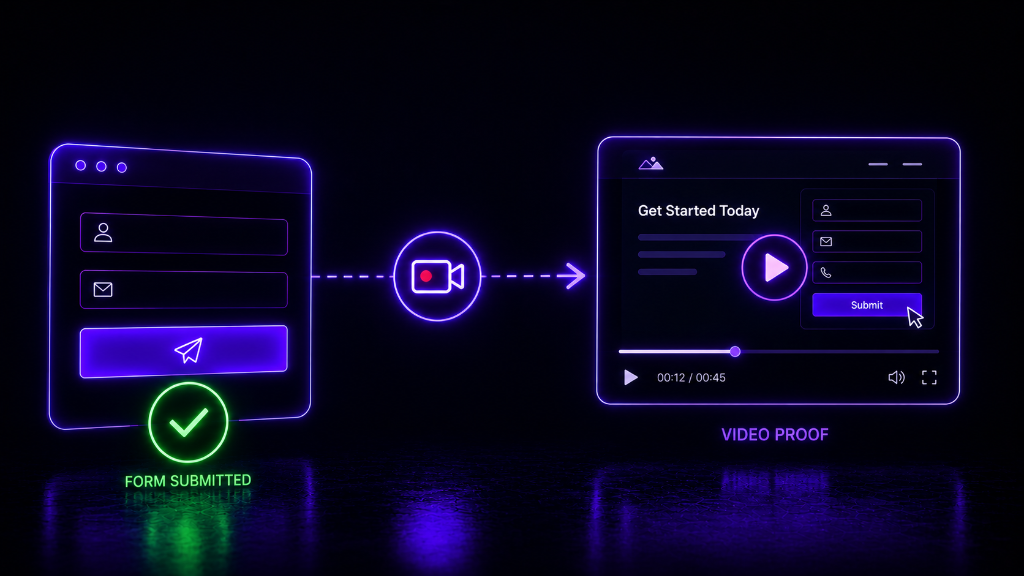
Automate Your Form Submissions in Minutes.
From unique IP address, random device, and browser profiles, Simola simulates realistic user behavior to test your forms under real-world conditions
Configure the Campaign
Paste your landing page URL. Simola visits the page, detects your forms, analyses the structure, and auto-configures your entire campaign. No manual setup. No technical knowledge needed.
Choose Your Form
Simola shows you every form it found on your page. Just pick the one you want to test.
Map Fields & Select a Primary Key
Simola already knows your form fields. Just confirm which ones should be filled on every submission, then pick a primary key — a unique field like email or phone number — so each simulation is tracked as a separate.
Fine-Tune Your Simulation
Control how your submissions behave. Choose device types, IP settings, how much traffic runs alongside each submission, and whether to record video. Every setting comes with a smart default — only change what matters to you.
Web Automation
Got a cookie banner? A pop-up? A multi-step flow? Tell Simola what to do before, during, or after the form submits. Define a sequence of actions once and Simola handles it on every run automatically.
Cost Per Simulation
Before you commit, Simola shows you the exact cost per simulation based on your configuration. What you see is what you pay — no hidden charges, no surprises.
Review & Finish
See all your campaign settings in one place. Everything look right? Hit Finish Configuration and you're done setting up.
Activate Your Campaign
Your campaign is ready. Create your first simulation group to start running submissions and put Simola to work.
Upload Your Data
Give Simola the form data it should submit on each run — names, emails, phone numbers, and any other fields your form requires. For every record you also need to include the Geo City, Geo State, and Geo Country so Simola knows exactly where each submission should originate from. Upload a CSV or fill it in directly through the web form.
Set Geo-Targeting Preferences
Tell Simola how closely to match the locations in your data. Lock it to the exact city for maximum precision, allow a state-level fallback for better reach, or open it to country-level matching for the widest coverage. You decide the balance.
Schedule Your Simulations
Set when your simulations run. Pick a start and end date, limit runs to specific hours, and choose active days of the week. Simola detects timezones from your geo data and schedules everything accordingly.
Set Daily Distribution
Spread your simulations across the campaign window the way you want. Adjust how many run each day to match your expected traffic pattern. The total just needs to add up to your simulation count.
Confirm Payment
Review the number of simulations, cost per simulation, and total charge one final time. Clear, itemised, no guesswork. Confirm and proceed.
Verify & Test
Confirm you own the landing page, then run a single test simulation. Watch the video recording to make sure everything works exactly as intended before the full campaign goes live.
Launch
Test passed. Everything confirmed. Hit launch and Simola runs your entire campaign in the background — submitting, recording, and reporting — while you focus on what's next.
Simola is more human than human itself.
Traditional testing tools submit forms the way machines do — fast, predictable, and instantly flagged by any modern security layer.
Simola works differently. It moves the mouse like a real person, pauses before typing, makes the occasional typo and corrects it, and triggers the same browser events a real user would. To your form, your analytics, and your fraud detection — it looks exactly like a human filled it out.

Powerful Features,
Unmatched Control.
Automated Captcha Solving
Simola handles reCAPTCHA, hCaptcha, and Friendly Captcha seamlessly in the background so your tests never stall.

10M+ Real IPs
Target specific cities utilizing our massive residential proxy network.
Video Proof
Watch full session recordings to pinpoint exact UI breakages.

Massive Stress Testing
Push your backend infrastructure to its absolute limit with high-volume, concurrent parallel submissions.

Proven at scale.
See how top engineering and growth teams use Simola to protect their revenue and eliminate form-blindness.
We no longer use VPNs to submit forms or hire any employees to submit forms as Simola automates this for us on schedule.
Alex Mercer
Operations Manager
Simola caught a Safari-specific autofill bug that was silently dropping 14% of our leads. We recovered $45,000 in ad spend in the first month alone.
Sarah Jenkins
VP of Growth, FinTech SaaS
14%
Leads Recovered
$45k
Ad Spend Saved
Read the full breakdown
See exactly how they integrated Simola.
We pushed a bad webhook update on Black Friday. Simola flagged the exact timeout immediately. We fixed it before losing a single VIP order.
Marcus Thorne
Head of Engineering, Ecommerce
3 Min
Time to Resolution
0
Lost Transactions
Read the full breakdown
See exactly how they integrated Simola.
Built for teams that
demand
certainty.
Whether you are driving leads, nurturing campaigns, or deploying code, Simola ensures your critical paths never break silently.
Lead Gen & Sales
Validate client funnels and CRM routing with realistic data before campaigns go live. Confirm webhooks fire correctly.
Growth Marketing
Populate your CRM with controlled lead data to test complex segmentation rules and nurture sequences safely.
QA & Engineering
Identify performance bottlenecks and edge-case browser-specific bugs under load before code reaches production.
Frequently Asked Questions
Can't find the answer you're looking for? Our support team is here to help you integrate and scale.
Contact SupportPay As You Go
$10 Free Credits
Run your first ~50 form simulations entirely on us. No credit card required to start.
Get Started FreeSetup takes < 2 minutes